Step 1: Click the Download Button
Scroll to the download section on this page and tap the “Download App” button. This will initiate the APK download directly from the official source without redirecting you anywhere else.
The Olympia app brings real-money betting and casino play directly to your mobile device, built for Australian players who want fast access to sports and games on the go. Install the application in minutes and start playing with a 100% welcome bonus up to A$10,000 plus 75 free spins. Tap the button below to begin your download and claim your offer.
The Olympia application is a fully licensed, mobile-optimised betting platform available to players across Australia. It covers both sports wagering and casino games under a single login, with support for fast deposits and withdrawals. The table below outlines the key details you need before downloading.
| Feature | Details |
|---|---|
| App Category | Sports Betting and Online Casino |
| Licence | Curaçao eGaming |
| Supported OS | Android, iOS (PWA) |
| Latest Version | 1.0 |
| Release Date | 2024 |
| Cost of Download | Free |
| App Languages | English |
| Supported Countries | Australia |
| Welcome Bonus – Sports | 100% up to A$10,000 |
| Welcome Bonus – Casino | 100% up to A$10,000 + 75 Free Spins |
| Bet Types | Singles, Multis, Live Betting |
| Customer Support | 24/7 Live Chat, Email |
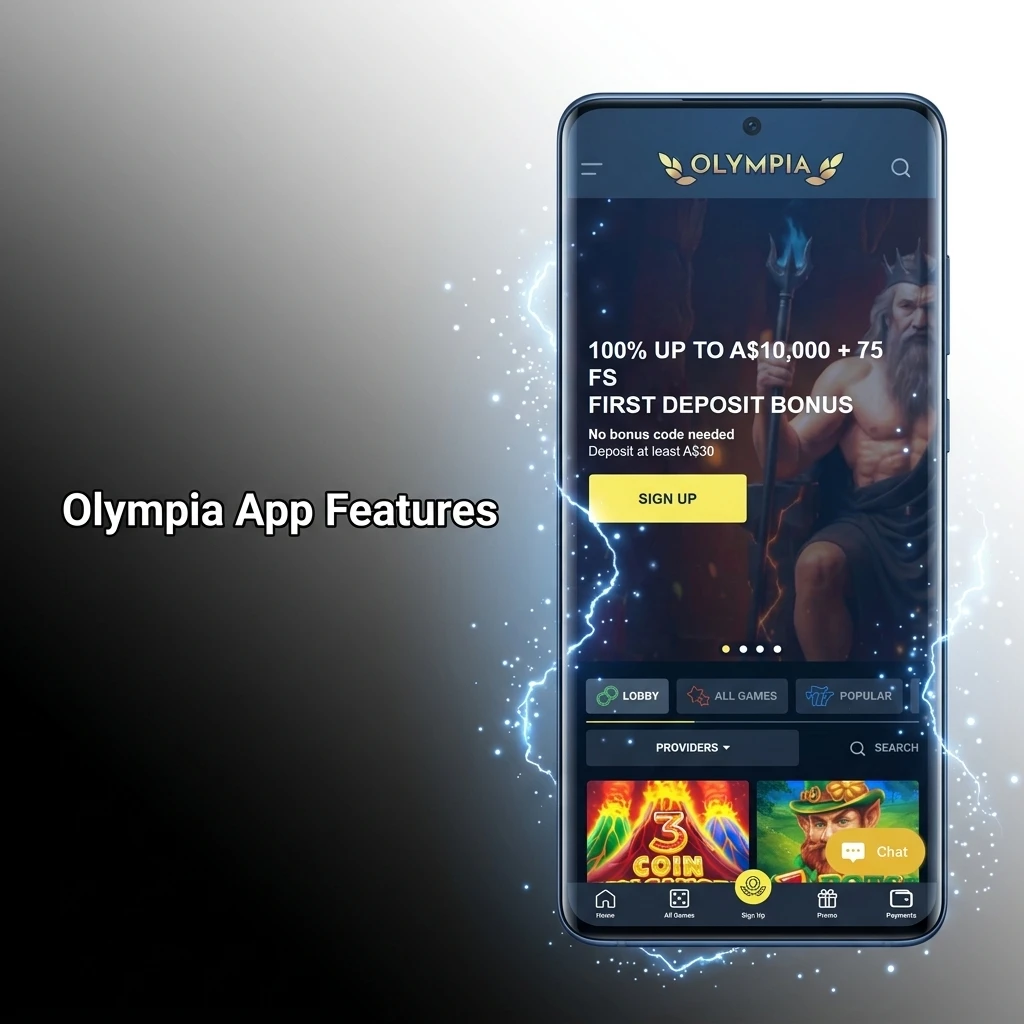
The Olympia app features a clean, dark-themed layout designed for quick navigation between sports markets, live games, and your account. Key actions like placing a bet, making a deposit, and accessing support are all reachable within two taps from the home screen.
The Olympia APK is the Android installation file that lets you run the full betting and casino experience directly on your Android device. Because the APK is distributed outside the Google Play Store, you will need to allow installations from unknown sources in your device settings before proceeding. The file is lightweight and does not take up significant storage space on your phone. Once installed, the APK delivers the same full functionality as the desktop version, optimised for smaller screens. The table below covers the key technical details of the current APK release.
| Property | Details |
|---|---|
| App Title | Olympia |
| App Category | Sports Betting and Online Casino |
| Developer Name | Olympia |
| OS Compatibility | Android |
| Minimum Android Version | Android 6.0 |
| Required Android Version | Android 8.0 or higher recommended |
Installing the app on your Android device is straightforward and takes only a few minutes. Follow the three steps below to get started.
Scroll to the download section on this page and tap the “Download App” button. This will initiate the APK download directly from the official source without redirecting you anywhere else.
Once you tap the button, the APK file will begin downloading automatically to your device’s default downloads folder.
Open the downloaded file and tap “Install” to complete the setup on your device.
Before downloading the APK, confirm that your Android device meets the minimum requirements listed below. Devices that fall below these specs may experience performance issues or be unable to install the app.
| Requirement | Specification |
|---|---|
| Operating System | Android 6.0 or higher |
| RAM | 2 GB minimum (3 GB recommended) |
| Storage Space | At least 100 MB of free space |
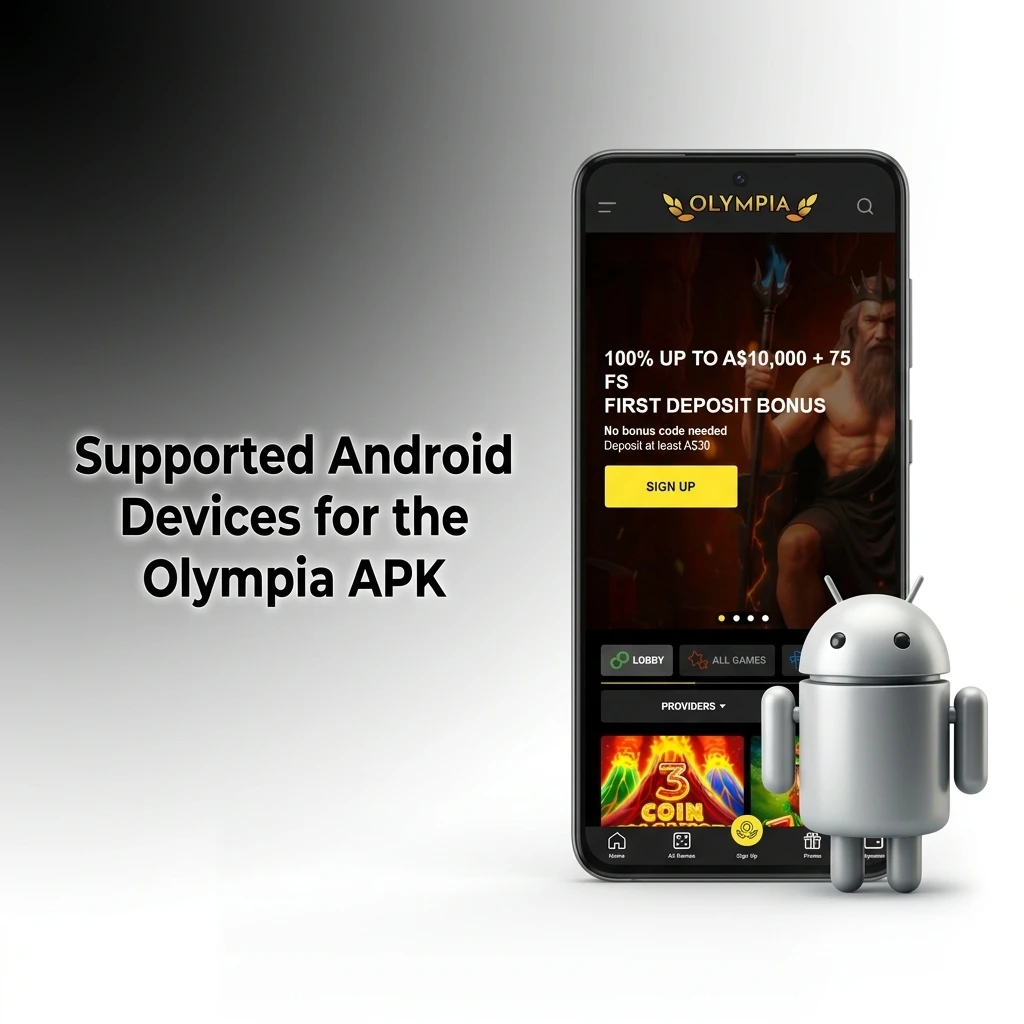
The APK is compatible with a wide range of Android smartphones and tablets available in Australia. Most devices released in the last four years will run the application without issues. The table below lists the major brands and their compatible models.
| Brand | Compatible Models |
|---|---|
| Samsung | Galaxy S23, S24, S24 Ultra, A54, A55 |
| Sony | Xperia 1 VI, Xperia 5 V, Xperia 10 VI |
| Huawei | P60 Pro, Mate 50 Pro, Nova 11 |
| OnePlus | 12, 12R, Nord 4, Nord CE 4 |
| Oppo | Find X7, Reno 12, A98 |
| Pixel 8, Pixel 8 Pro, Pixel 8a, Pixel 9 | |
| Xiaomi | 14, 14 Pro, Redmi Note 13, POCO X6 |
| Poco | POCO F6, POCO X6 Pro, POCO M6 Pro |
Apple devices do not support APK files, so the iOS version of the app is delivered as a Progressive Web App (PWA). A PWA installs directly from your browser and creates an icon on your home screen, giving you a near-native app experience. Follow the five steps below to set it up on your iPhone or iPad.
Tap the iOS download button on this page to open the Olympia site in your Safari browser.
Enter your account credentials, or complete a quick registration if you do not yet have an account.
In Safari, tap the Share icon located at the bottom centre of your screen to open the sharing menu.
Choose “Add to Home Screen” from the menu, then tap the “Add” button to confirm the installation.
Once added, open the app icon from your home screen, log in, and access all betting and casino features directly from your iPhone or iPad.
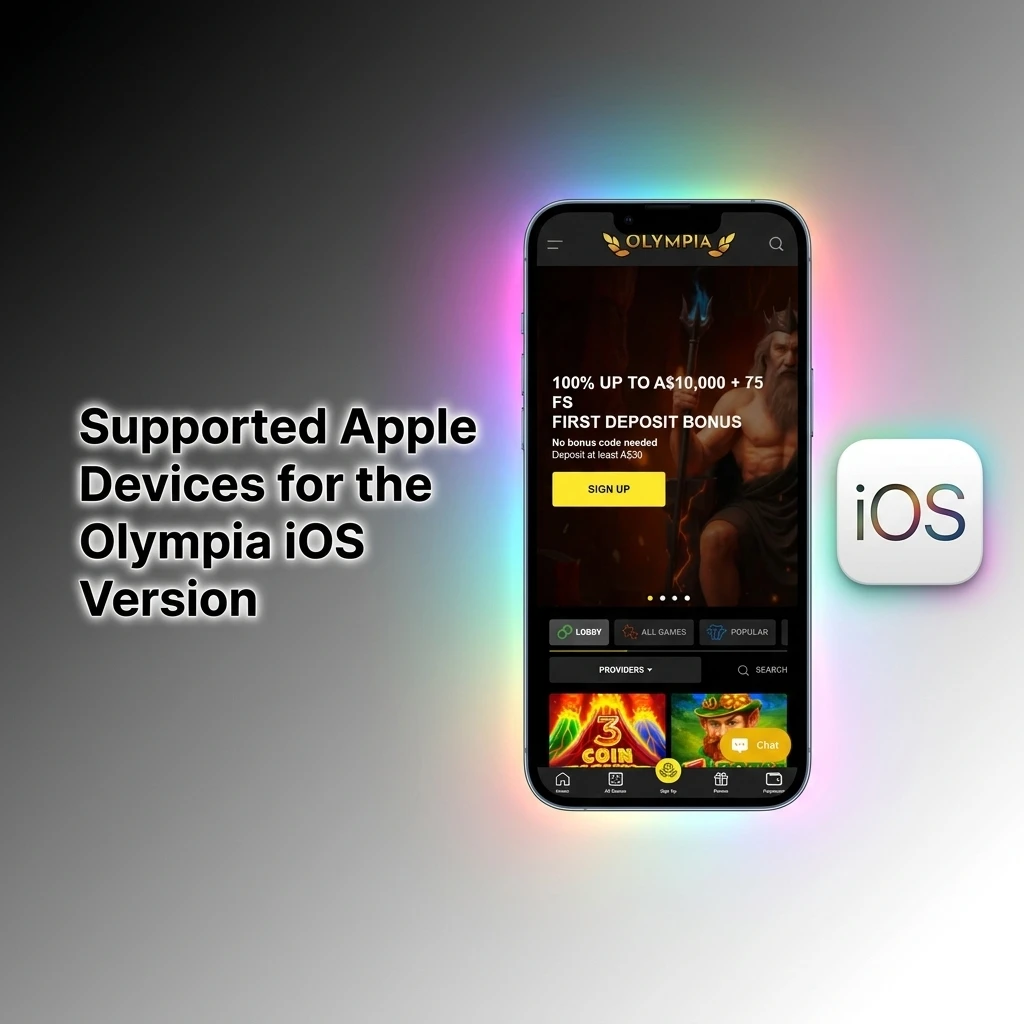
The PWA version is compatible with all iPhones and iPads running iOS 14 or later. For the best performance, iOS 16 or higher is recommended, as newer system versions handle PWA features more reliably. The table below lists the Apple models confirmed to work with the app.
| Brand | Compatible Models |
|---|---|
| Apple | iPhone 11, iPhone 12, iPhone 13, iPhone 14, iPhone 15, iPhone 15 Pro, iPhone 16, iPhone 16 Pro, iPad (9th gen), iPad Air 5, iPad Pro 12.9" (6th gen) |
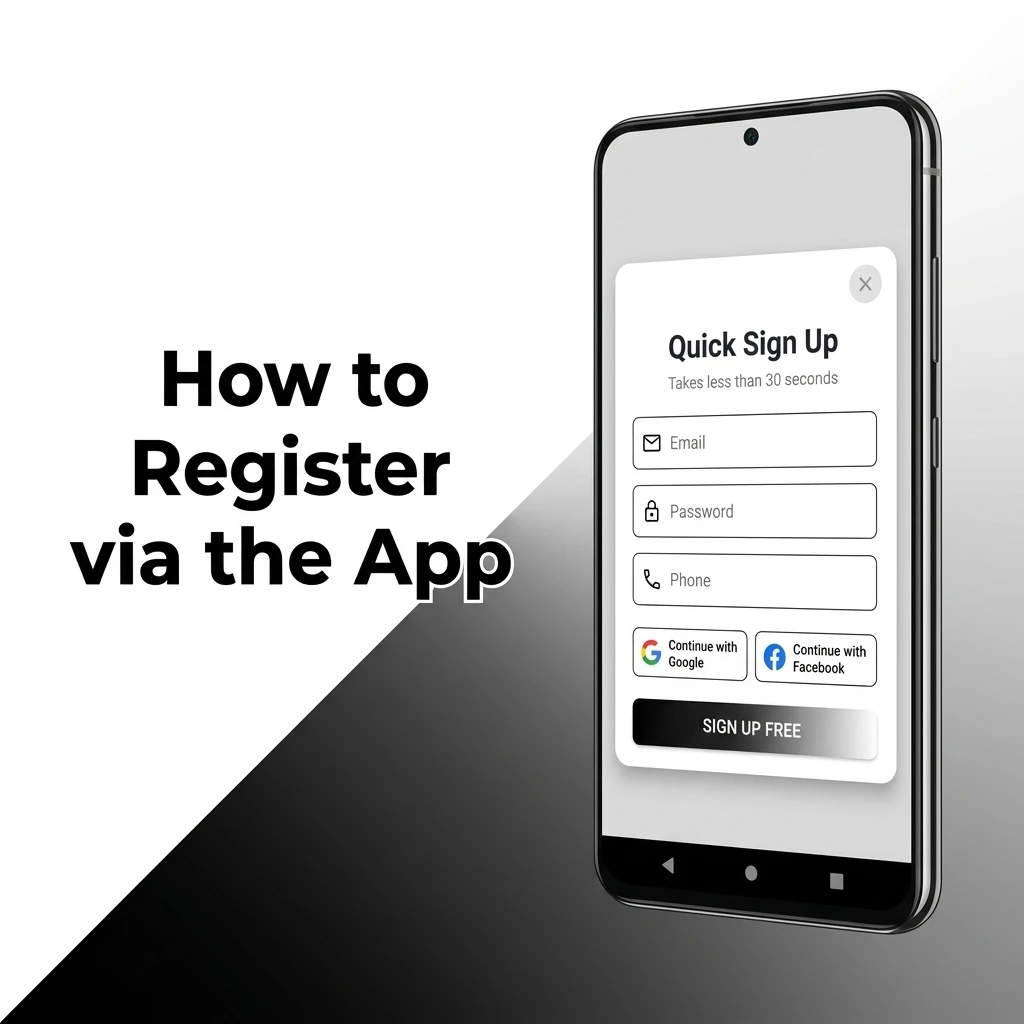
Creating an account through the mobile app takes under three minutes. Follow the steps below to get registered and ready to play.
All active promotions are fully accessible through the Olympia app, with no features restricted to desktop users. The welcome offer is available immediately after your first deposit, and you can track your bonus progress directly from the app. Existing players also benefit from regular reload offers and free bet promotions displayed in the promotions tab. Bonus terms are clearly listed within the app so you can check conditions before opting in. New players receive one of the most competitive welcome packages available to Australian bettors.
| Feature | Details |
|---|---|
| Type | First Deposit Match + Free Spins |
| Amount | 100% up to A$10,000 + 75 Free Spins |
| Terms and Conditions | Minimum deposit required; wagering requirements apply |
| Validity Period | 30 days from activation |
| Eligible Games | Casino slots, live casino tables |
| Feature | Details |
|---|---|
| Type | Sports Free Bet |
| Amount | Included in welcome offer for eligible sports bets |
| Terms and Conditions | Minimum odds apply; single-use per qualifying event |
| Validity Period | 7 days from issue |
| Eligible Games | Sports betting markets |
Keeping the app current ensures you have access to the latest features and security patches. For Android users, updates are not automatic since the APK is not distributed through the Play Store. Visit this page periodically and download the latest APK file when a new version is available. Before installing the update, you do not need to uninstall the existing version; simply open the new APK and it will overwrite the previous installation. For iOS PWA users, updates happen automatically in the background through your browser, so no manual action is needed. If you notice any performance issues, clearing your browser cache and reloading the PWA will apply the most recent version.
Running an outdated version of the app puts both your security and your betting experience at risk. Security patches are released to close vulnerabilities that could expose your account or payment details to unauthorised access. Older versions may also lack compatibility with newer operating system updates, leading to crashes or broken features. New app versions frequently include improvements to loading speed, bet placement flow, and live score accuracy. Updated versions also ensure that new payment methods and bonus types are displayed correctly in the app. Staying current means you benefit from the full range of features without encountering avoidable technical errors.
Placing a bet through the app takes less than a minute once you are logged in.
Open the app and navigate to the sports section from the main menu.
Select your preferred sport, then browse available events and tap on the market you want to back.
Enter your stake in the bet slip that appears at the bottom of your screen and review the potential return.
Confirm your bet by tapping the “Place Bet” button; you will receive an on-screen confirmation once the wager is accepted.
For Android users, press and hold the app icon on your home screen or app drawer, then select “Uninstall” to remove it completely. For iOS users with the PWA installed, press and hold the app icon on your home screen until the edit menu appears, then tap “Remove App” and confirm the deletion. Uninstalling the app does not close your account, so your balance and account details remain intact for when you reinstall.
Accessing your account through the app is quick and straightforward. Follow the steps below.
Open the Olympia app on your Android or iOS device.
Tap the “Log In” button located on the home screen.
Enter the email address and password linked to your registered account.
If you have biometric login enabled, confirm via fingerprint or Face ID when prompted.
Tap “Confirm” to complete the login and access your account dashboard.
The Olympia application is built to cover every aspect of online betting and casino play within a single mobile interface. Sports bettors get access to live markets and competitive odds across major Australian and international events. Casino players can browse hundreds of slots and live dealer tables without switching platforms. Deposits and withdrawals are handled through a secure, integrated payment system that supports the most widely used methods in Australia. The app also offers account management tools and customisable notifications so you stay informed about your bets and promotions. Every feature available on the desktop site is accessible through the app, with a layout designed specifically for touchscreen use.
The in-play betting section updates odds in sync with live match events so you can act on momentum shifts as they happen. Australian sports including cricket, AFL, NRL, and football are all covered with extensive live markets. The interface displays live scores, match timers, and current odds in a compact view optimised for mobile screens. Bet slip management during live events is fast, with minimal delay between tapping a market and receiving confirmation. Live streaming is available for selected events, letting you watch and bet simultaneously from a single screen. Accumulators and live multi bets are supported, giving you flexibility to combine markets across ongoing games. The live section is accessible directly from the bottom navigation bar for instant entry.
The casino section hosts a broad library of slots, table games, and live dealer titles from leading providers including Pragmatic Play, Evolution Gaming, and NetEnt. Games load quickly on mobile, typically within two to three seconds on a standard 4G connection. The live casino tab connects you to real dealers operating HD video streams around the clock. Titles such as Book of Dead, Gates of Olympus, and Lightning Roulette are available in the same interface as sports betting. The game lobby supports filtering by provider, category, and popularity, so finding your preferred title takes seconds. New releases are added regularly and flagged in the lobby so you can spot them without browsing the full catalogue.
Funding your account through the app takes under two minutes using the supported Australian payment methods listed below. Deposits are credited instantly in most cases, allowing you to start betting without delay. All transactions are secured with 256-bit SSL encryption. The deposit section is accessible from the account menu at the top of the screen.
| Feature | Details |
|---|---|
| Available Payment Methods | Visa, Mastercard, Bank Transfer, Cryptocurrency |
| Minimum Deposit | A$20 |
| Maximum Deposit | A$50,000 per transaction |
| Transaction Security | 256-bit SSL Encryption |
| Processing Time | Instant for cards and crypto |
Withdrawals are processed promptly, with most requests reviewed within 24 hours. Funds are returned via the same method used for your deposit in most cases. You can monitor withdrawal status directly within the transactions section of the app. The minimum and maximum limits listed below apply to standard account holders.
| Feature | Details |
|---|---|
| Available Withdrawal Methods | Bank Transfer, Cryptocurrency |
| Minimum Withdrawal | A$20 |
| Maximum Withdrawal | A$10,000 per transaction |
| Transaction Security | 256-bit SSL Encryption |
| Processing Time | Up to 24 hours for bank transfer; faster for crypto |
The profile section gives you full control over your account details from within the app. You can update your personal information, change your password, and manage communication preferences at any time. Your current balance is displayed prominently on the home screen so you always know what you have available. A full transaction history is accessible under the account menu, listing all deposits, withdrawals, and settled bets with timestamps. Responsible gambling tools including deposit limits and self-exclusion options are found in the same section. Verification documents can also be uploaded directly through the profile menu without needing to access a desktop browser.
The app sends push notifications to keep you informed about bet settlements, promotions, and live events relevant to your activity. You can customise which notification types you receive through the settings menu, so you only get alerts that are relevant to you. Promotional notifications are separate from account alerts, making it easy to manage both independently. Delivery is reliable across both Android and iOS platforms, with notifications arriving promptly after a triggering event. Score alerts for followed sports events can be enabled independently of promotional messages. Push notifications work even when the app is running in the background, ensuring you never miss a settlement or time-sensitive offer.

The Olympia app uses 256-bit SSL encryption to protect all data transmitted between your device and the platform’s servers. This is the same standard used by Australian financial institutions for online banking. Your account login is secured with password protection, and you can enable biometric authentication (fingerprint or Face ID) as an additional layer of access control on supported devices. Two-factor authentication (2FA) is available for account logins, requiring a secondary code sent to your registered email or mobile number before access is granted. Payment transactions are processed through verified, PCI-DSS-compliant payment gateways, which means your card and banking details are never stored on the platform’s servers in a readable format. Personal data is handled in accordance with privacy regulations, and your information is never shared with third parties without your explicit consent. Session timeouts are enforced after a period of inactivity to prevent unauthorised access if your device is left unattended. Regular security audits are conducted to identify and address any potential vulnerabilities before they can affect active accounts.
The app requests only the permissions necessary to deliver its core functions on your device. Location access may be requested to verify that you are in an eligible region for real-money play, as required by the platform’s licensing conditions. Camera permission is needed if you choose to upload identity verification documents directly through the app using your phone’s camera. Storage access is required for downloading and saving the APK file on Android devices. Notification permissions allow the app to deliver push alerts about bet outcomes, promotions, and account activity. Internet access is required at all times for live odds updates, game streaming, and payment processing. Biometric data (fingerprint or Face ID) is used solely for local device authentication and is never transmitted to or stored on the platform’s servers. All permissions can be reviewed and adjusted at any time through your device’s app settings menu.
The platform operates under a Curaçao eGaming licence, which permits it to offer real-money betting services to players in Australia. Always confirm that online gambling is permitted in your state or territory before registering.
Yes. Your single account works across both platforms. You can log in on an Android device one day and switch to an iPhone the next without any impact on your balance or bet history.
Standard sports betting and casino browsing use minimal data. Live streaming of events and HD live dealer games consume more data, so a Wi-Fi connection is recommended for extended sessions.
Yes. The app displays the same odds and markets as the desktop version, updated in sync across all platforms.
No. Both the sports betting and casino sections are available within the single Olympia application. You switch between them from the main navigation menu.
Yes. Deposit limits and other responsible gambling controls are accessible from the profile section of the app and can be adjusted at any time.
Verify that your device runs Android 6.0 or higher and that you have enabled installations from unknown sources in your security settings. If the issue persists, clear your browser cache and re-download the APK file from this page.
Bank transfers are typically processed within 24 hours after the request is reviewed. Cryptocurrency withdrawals are generally faster, depending on network conditions at the time of the transaction.
Updated: